Smart home security checklist
Short answer. Secure a smart home in layers: a sound door and lock, strong account passwords, a protected Wi-Fi network and a habit of removing old access. The checklist below covers each layer in plain steps you can finish in an evening.
Where should I start?
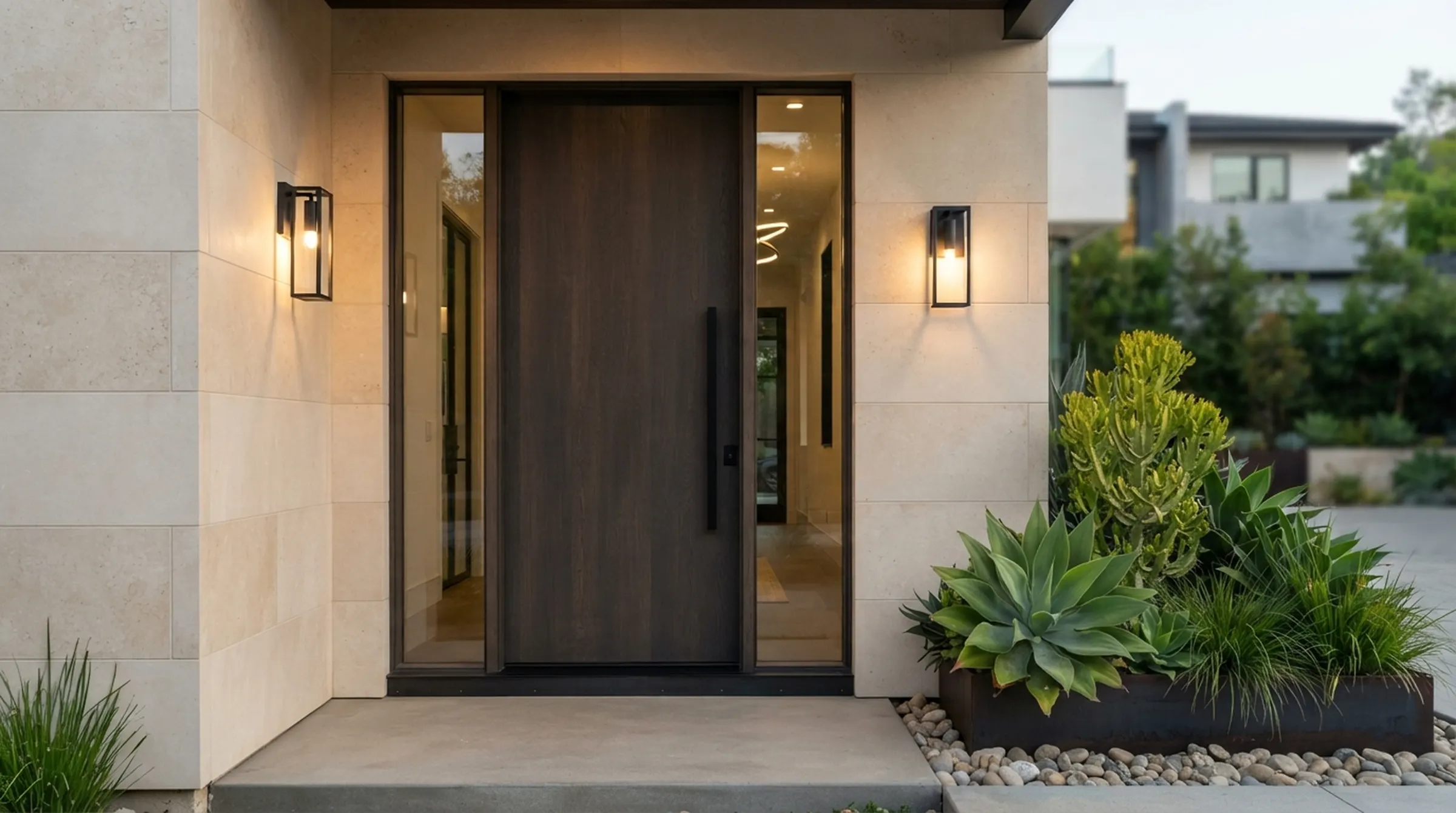
Start with the physical door. A smart lock does not rescue a weak door or loose frame. Check the hinges, the frame and the latch, and fix the basics first.
- Door and frame are solid and not loose
- Hinges are fixed with long screws
- The latch lines up and the door closes cleanly
- The lock was fitted by a trained installer
How do I protect the app account?
Your app account is a second key to your home. Use a long, unique password, and switch on two-step sign-in if the app offers it. Do not reuse a password from another service.
Meloc locks work with Smart Life (Tuya) or TTLock, so keep the app updated and treat that account the way you treat your email account.
- Unique password for the lock app
- Two-step sign-in where available
- Sign out on phones you no longer use
- Do not share your login, share access instead
How do I keep Wi-Fi from becoming the weak link?
Your router carries everything. Protect it before you add more devices.
- Change the default router password
- Use WPA2 or WPA3 encryption
- Keep router software up to date
- Use a guest network for visitors
Who has access, and do they still need it?
Most access problems come from people, not technology. Old codes, cards and fingerprints stay active long after someone has left. Make a short list of everyone with access and review it.
- List every code, card and enrolled person
- Remove access for anyone who moved out or left the job
- Give visitors temporary or separate codes
- Change the admin code if you suspect it is known
What about cameras and privacy?
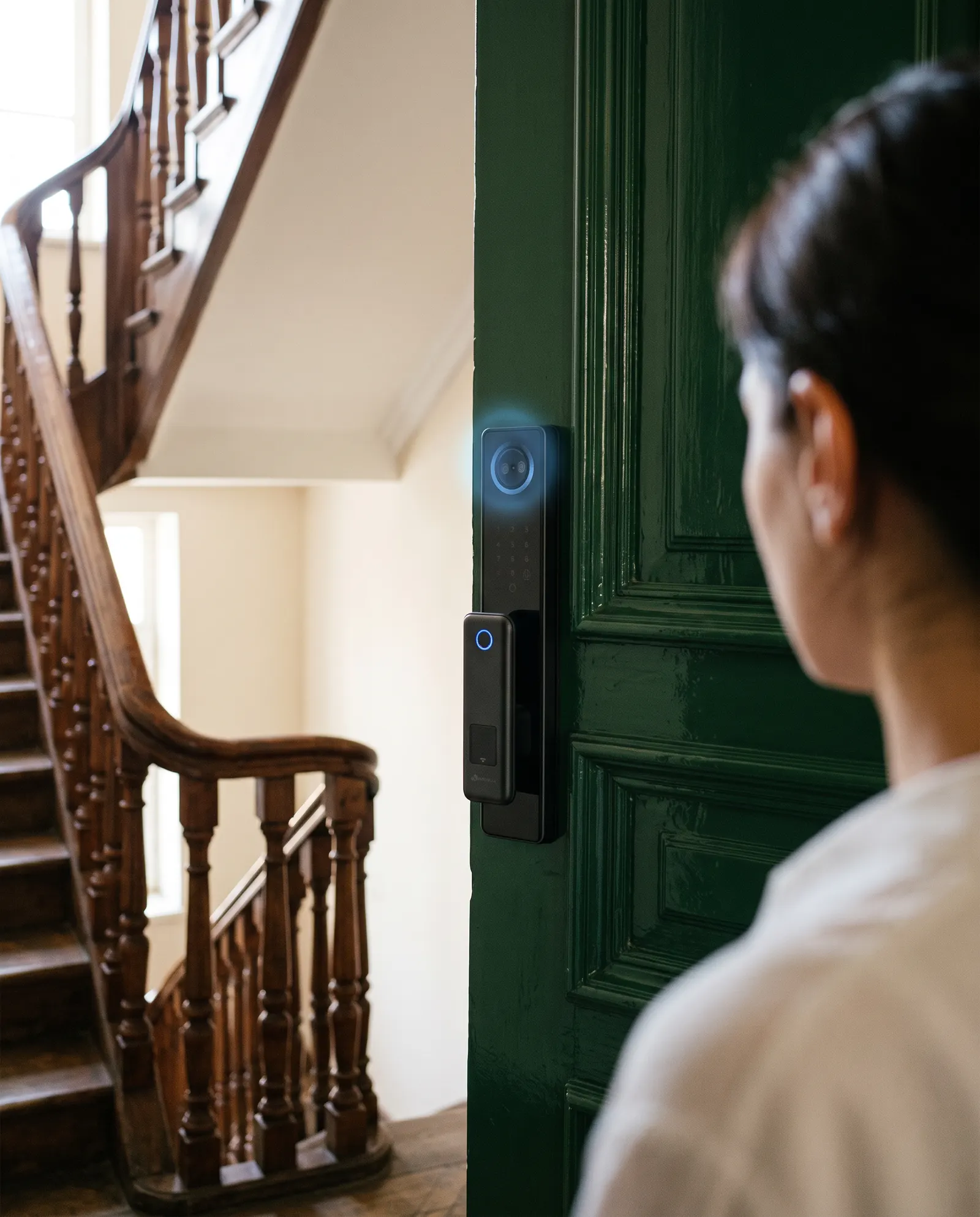
A camera at the door sees your landing and your visitors. Place it with care, tell guests where cameras are, and follow local rules on recording. Keep camera accounts as well protected as the lock account.
What is my plan if something goes wrong?
Decide before you need it. Know where the mechanical key is, who to call for service and how to remove a lost phone from your account. A short written note beats a panic search at night.
Meloc warranty and service are handled locally by the team in your country, so keep their contact details somewhere you can find them.
What should I do when someone moves out?
Do it the same day. Delete their codes and cards, remove their fingerprints and face, and take them off the app. If they knew the admin code, change it.
If they had a mechanical key and you cannot get it back, consider replacing the cylinder. A smart lock is only as strong as the oldest way in.
Make this a fixed routine in your property or household, so it does not rely on remembering.
How do I keep it simple?
Security that is too complicated gets skipped. Choose a few habits you will actually keep: a strong unique password, a review of who has access each season, and a spare key stored off-site.
Add one extra step each month if you enjoy it, but never drop the basics. Layers of simple protection beat one clever feature.
Questions and answers
Can a smart lock be hacked?
Any connected device can have weaknesses. Strong account passwords, updated software and a protected network reduce the risk. A mechanical key and a sound door remain essential.
Should I turn off Wi-Fi on my lock?
Wi-Fi is optional on most locks. If you do not need remote access or history, you can run the lock without it.
How often should I review who has access?
Review whenever someone moves out or leaves a job, and at least twice a year.
 Smart locks