Face
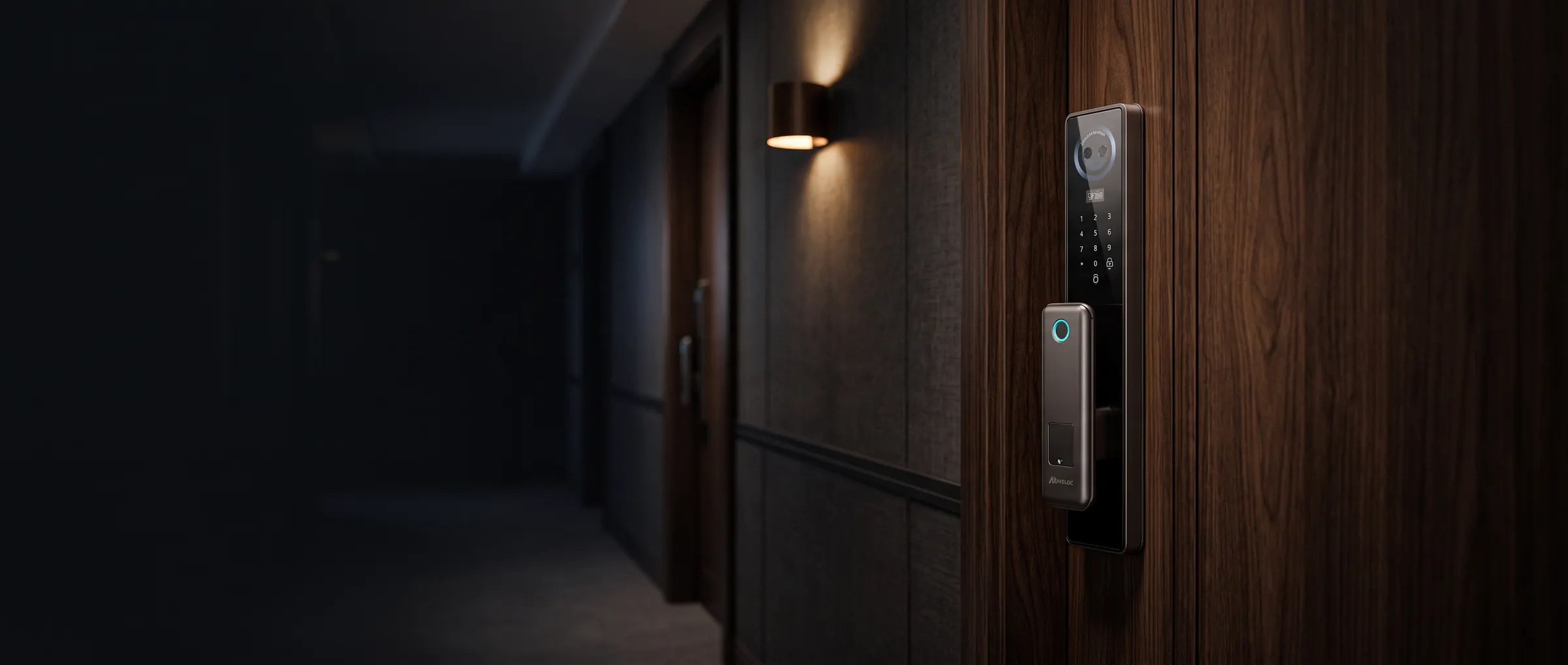
Prime familyA camera on the lock captures the face of the person at the door and compares it with the faces enrolled in the lock. If it matches an enrolled user, the lock opens.
How a Meloc lock recognises people, stays powered, talks to your phone and fits the door you already have.
Every Meloc family offers several of these methods, and Prime offers all six. Here is what each one does, in plain words.
A camera on the lock captures the face of the person at the door and compares it with the faces enrolled in the lock. If it matches an enrolled user, the lock opens.
A fingerprint sensor reads the ridges of your fingertip and compares the pattern with the prints enrolled on the lock.
You type a code on the keypad. The owner can add codes for family, cleaners or guests and delete them again, so a code that is no longer needed stops working.
An RFID card or fob is held against the lock. The lock reads the identifier on the card and opens if that card has been added. A lost card can be removed without changing anything else.
Through Smart Life (Tuya) or TTLock on your phone you can manage users, share access and see the entry history. Remote opening needs the lock to be online, directly or through the Meloc Gateway.
A physical key and cylinder sit behind the electronics. If every other method is unavailable, the key opens the door like any ordinary lock.
Two kinds of recognition do the daily work. Both compare what the lock sees with what you enrolled, and neither needs anything in your hands.
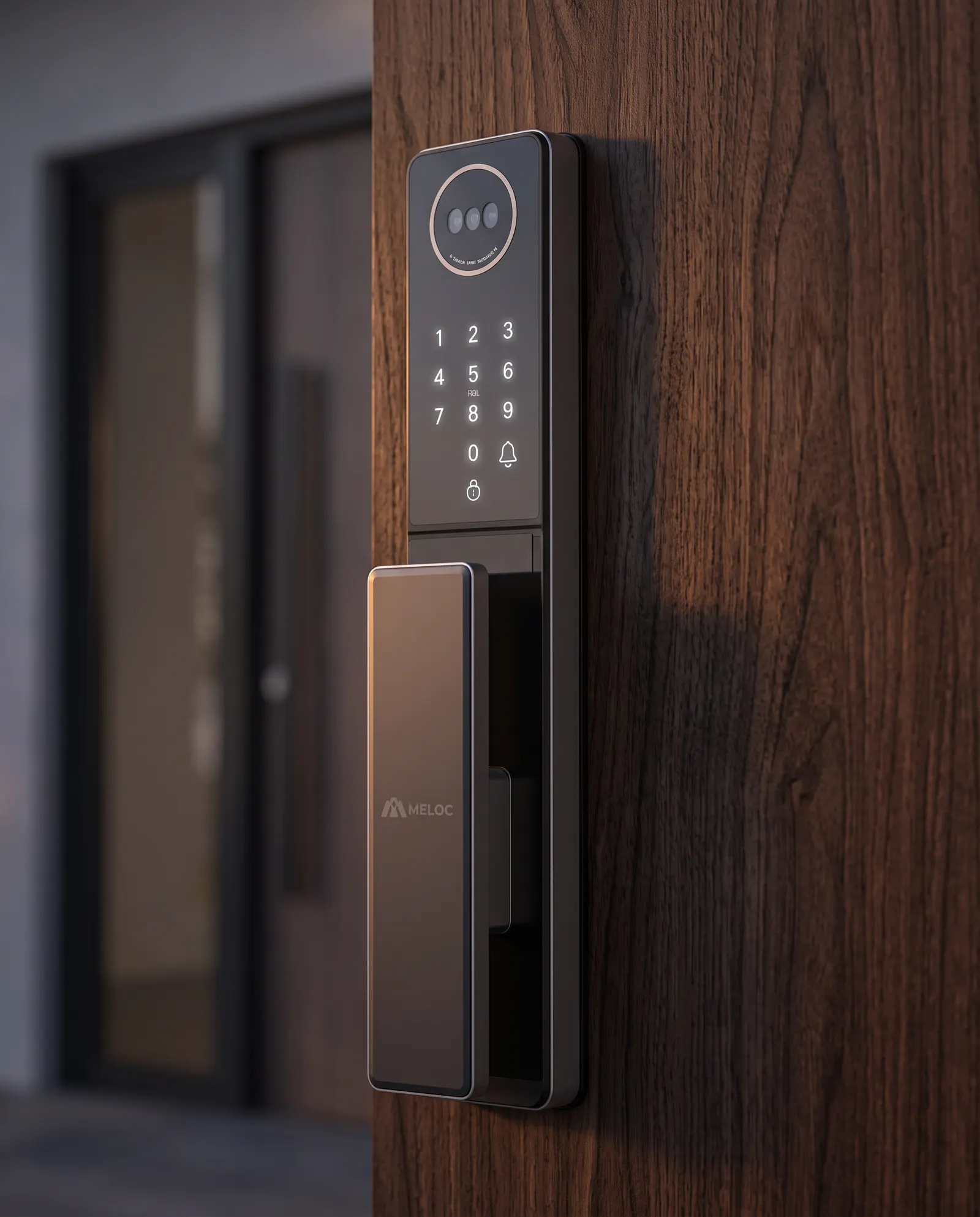
Prime locks combine a door-viewer camera with a built-in screen. Faces are enrolled on the lock, and the camera compares whoever stands at the door with the enrolled faces. The same camera lets you see who rang, which is why Prime suits a front door where you want to know who is there.
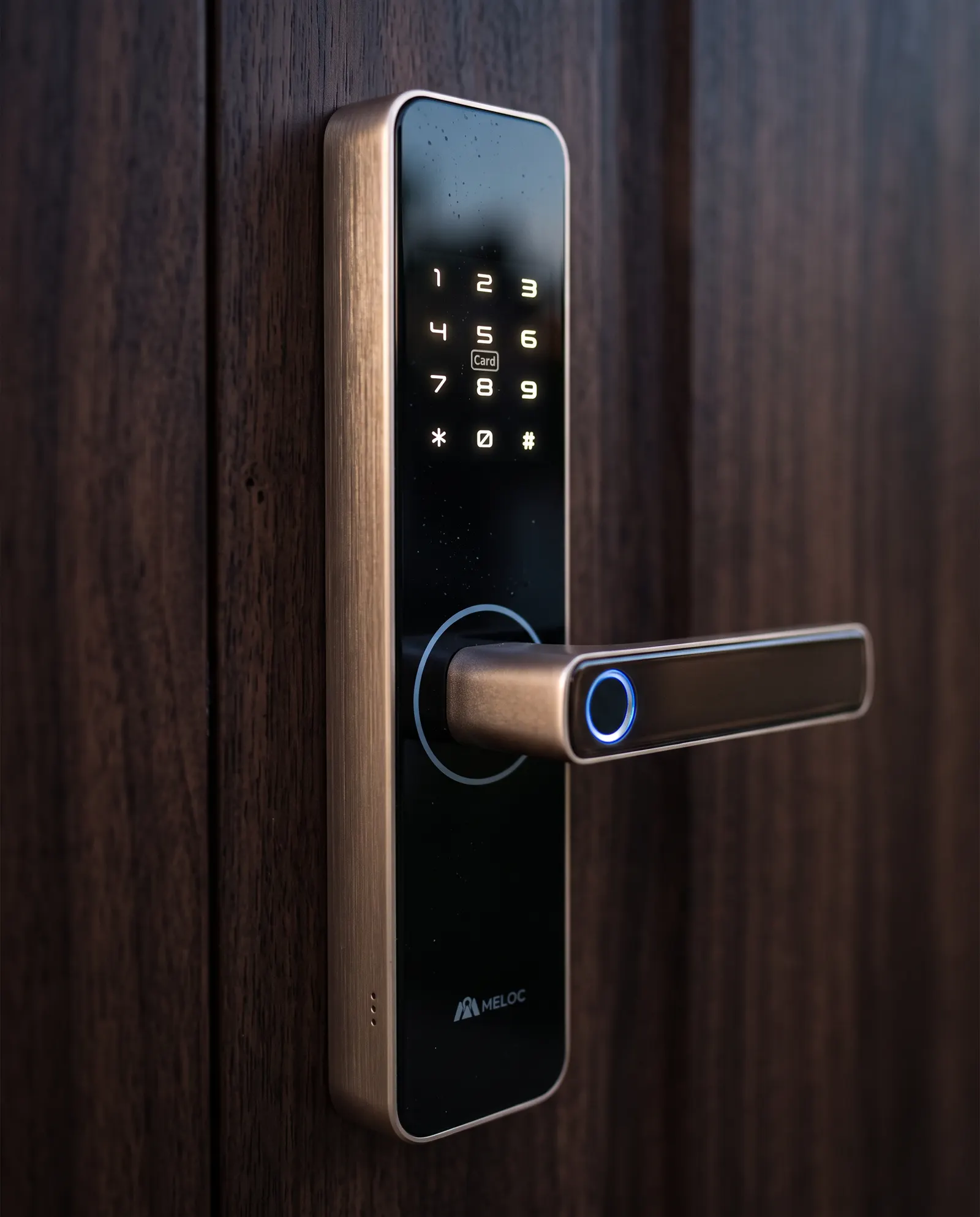
Fingerprint is the one method found across Prime, Pro, Slim, Lite and Interior. The sensor reads your fingertip, turns the ridge pattern into a stored template and compares each touch with the templates on the lock. It is fast to learn and works for everyone in the family, including those who do not carry a phone.
Ask our team for the details of any family.
A smart lock is only useful if there is always a way in. Meloc locks are built with a mechanical key as the last resort, whatever the battery says.
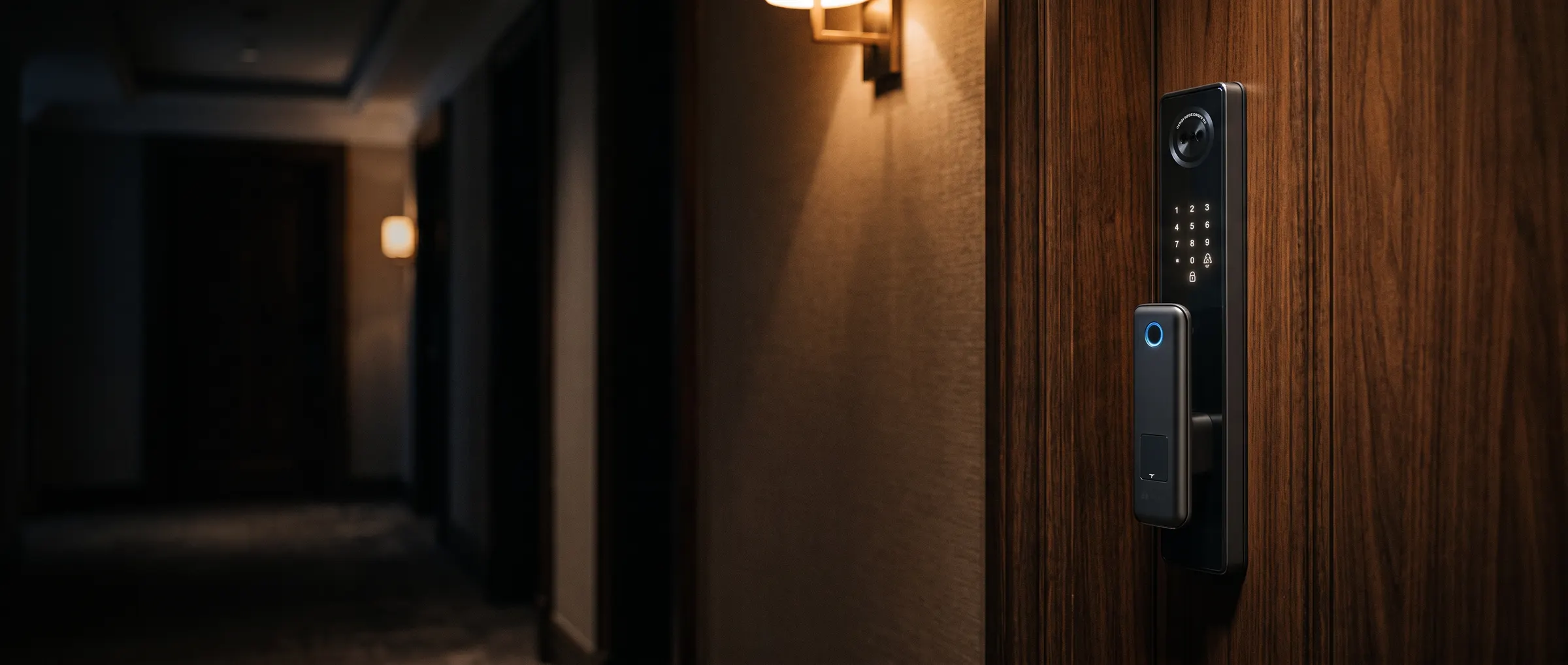
Prime locks, with their camera and screen, use a lithium battery.
Most other families run on standard AA batteries that are easy to find and change.
Every lock ships with a mechanical backup key, so power and electronics are never the only way in.
Battery life depends on use and settings. We do not publish a figure here.
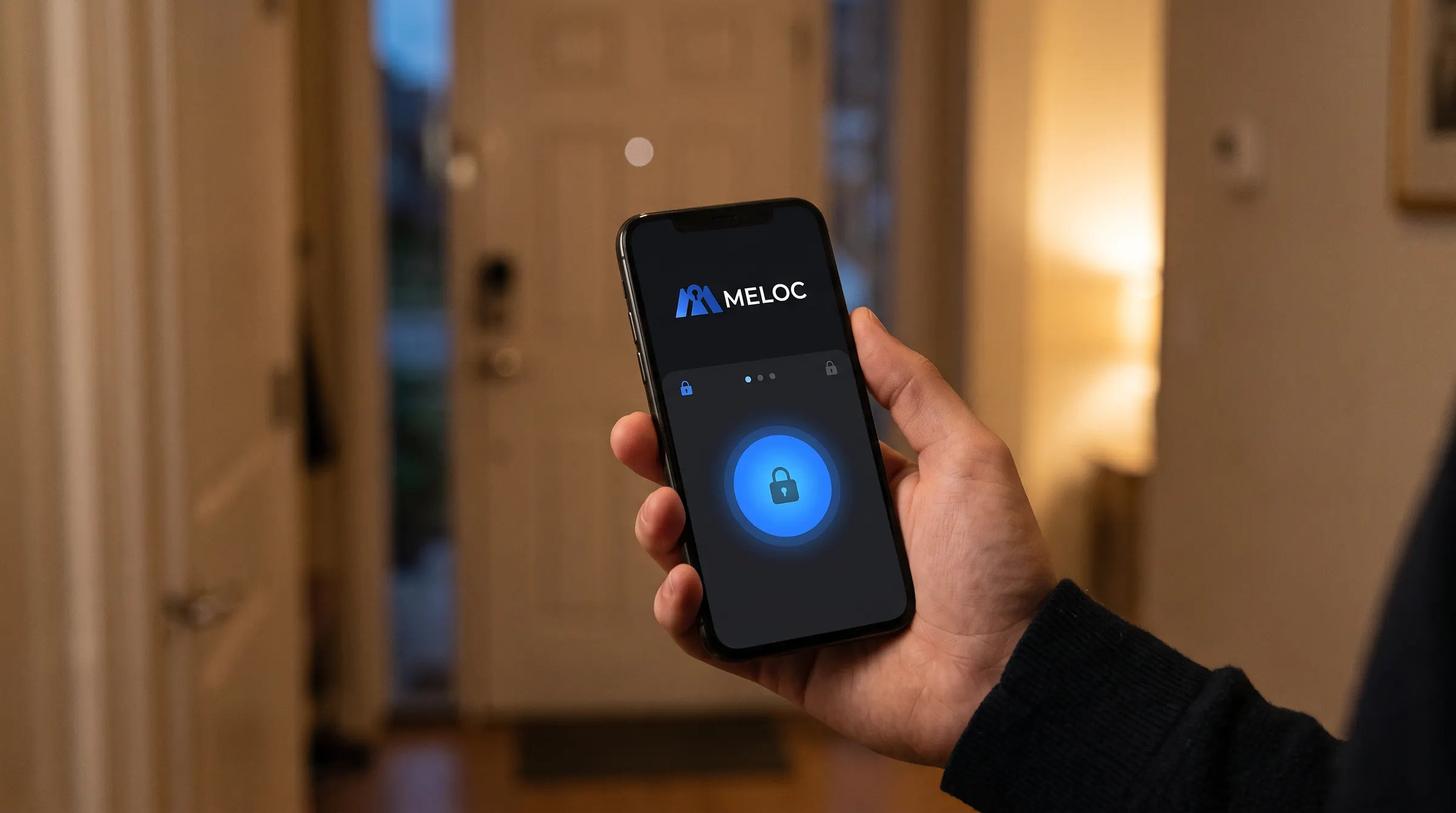
Meloc locks work with Smart Life (Tuya) or TTLock, depending on the model. The app is where you decide who can open the door and where you see what happened. Meloc's own app is in development.
Whether a smart lock fits depends less on the brand than on the door and the lock inside it today.
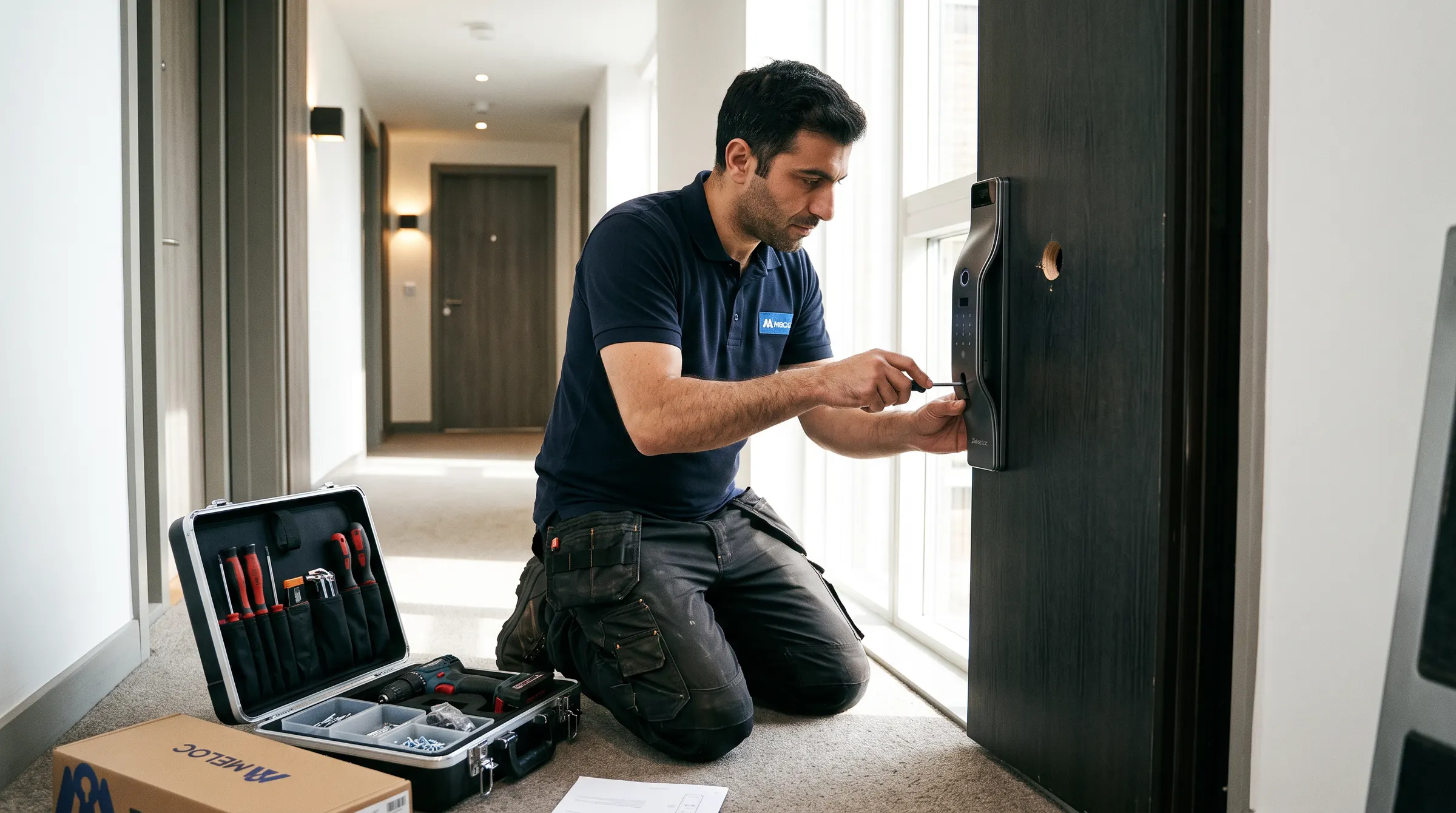
A mortise lock sits in a rectangular pocket cut into the edge of the door. Replacing it with a smart lock means matching the size of that pocket, so the existing body is measured first.
A cylindrical lock uses round holes drilled through the face and edge of the door. These are usually simpler to replace, although hole spacing and door thickness still need checking.
We would rather tell you what we can stand behind than repeat words that only sound secure.
Ask our team how biometric enrolment and deletion work on your lock family.
Partners and buyers can ask our team for the details of any family before ordering.
If you believe you have found a security issue in a Meloc product, write to us and we will respond.
Opening by fingerprint, PIN, card or face happens at the lock itself, so it does not depend on your Wi-Fi. Remote opening and syncing the entry history need the lock to be connected.
Yes. You can share a code or access through the app and remove it afterwards. Your installer can show you how the options work on your lock.
No. Face recognition, the screen and the door-viewer camera belong to the Prime family. Pro, Slim, Lite and Interior locks open with fingerprint, PIN, card, app and key, depending on the family.
You can still open the door with a fingerprint, PIN or card while there is power, and with the mechanical key if there is not. A lost phone can be removed from the app from another device.
It depends on the door type, thickness and the lock already in it. Most standard wooden and metal doors take Prime, Pro or Lite; aluminium and glass doors need Slim. Our team checks the door before installation.
 Smart locks