How to choose a smart lock
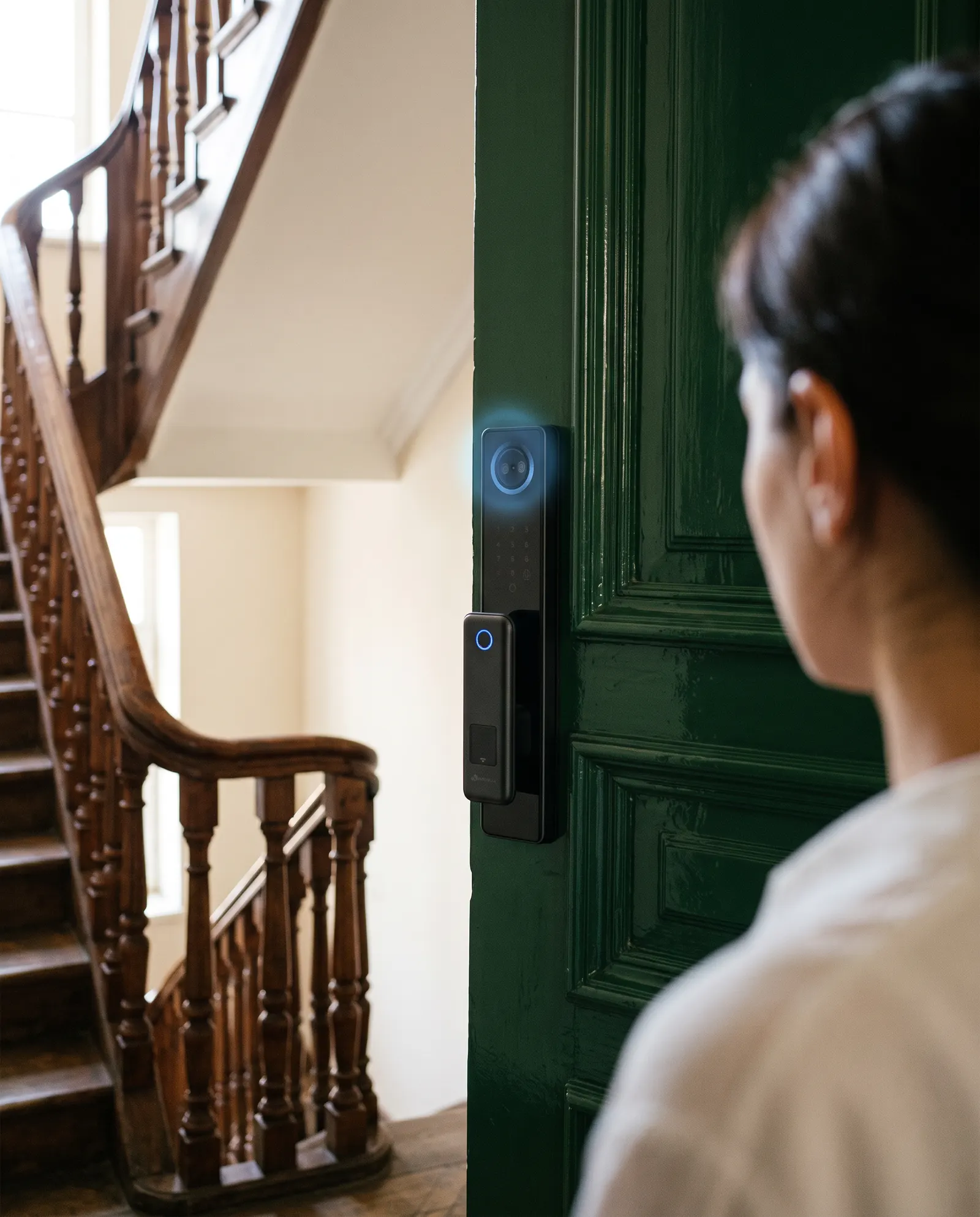
Short answer. Choose a smart lock in this order: your door, your household, then how you want to open it. Check that the lock suits the door material and thickness, pick the unlock methods your family will actually use, and confirm there is a mechanical backup. Everything else is a refinement.
What should I check first?
Start with the door, not the lock. The door decides which locks are possible. A solid wooden or metal front door, a narrow aluminium frame door and a glass door all need different hardware.
Note the material, the thickness and whether the door already has a mortise lock body inside. A photo of the door edge and the current lock is the most useful thing you can send to any supplier.
- Door material: wood, metal, aluminium frame or glass
- Door thickness and the existing lock body
- Which way the door opens
- Whether there is Wi-Fi near the door
How do I want to open the door?
Smart locks combine several ways in: fingerprint, face recognition, a PIN code, an RFID card, a phone app and a mechanical key. Few people use all of them. Think about who opens the door and when.
Fingerprint is quick for adults who use the door every day. A code suits guests, cleaners and tradespeople. A card is easy for staff or tenants. Face recognition suits people who often arrive with full hands.
- Daily residents: fingerprint or face
- Occasional visitors: PIN code or app
- Staff and tenants: card or code
- Everyone: a key as the last resort
Do I need a camera and screen?
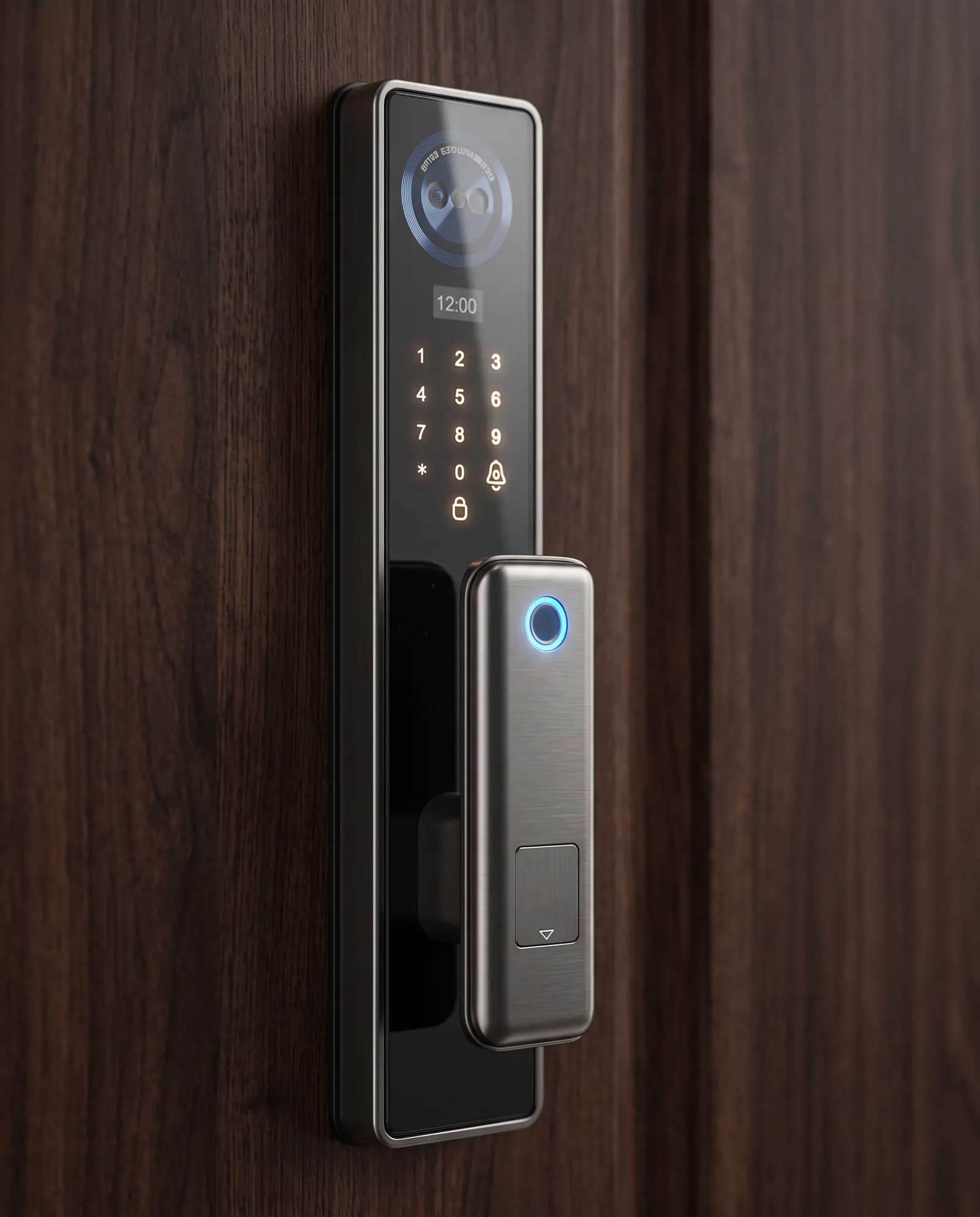
Some locks add a door-viewer camera and a screen, so you can see who is outside before you open. That is useful on a front door with a visitor stream, and less useful on a back or balcony door.
In the Meloc range, the Prime family is the one with face recognition, a built-in screen and a door-viewer camera. The Pro, Slim and Lite families use fingerprint, PIN, card, app and key.
What happens when the battery dies or the Wi-Fi drops?
A good smart lock never depends on one thing. Look for a mechanical key as backup, and check how the lock warns you when the battery is low. A lock that only opens by app is a risk.
Wi-Fi is a separate question. Many locks work fully without it: the fingerprint, code and card still open the door. Wi-Fi adds remote access and entry history, so it is a convenience to weigh, not a requirement to open the door.
All Meloc locks include a mechanical backup key. Prime locks use a lithium battery. Ask our team which battery your chosen model takes.
Who will install it?
A smart lock is only as good as its fit. A lock that sits slightly off will jam, drain the battery faster or never feel solid. Ask who installs it, and whether they check the door first.
Meloc installs its locks with its own teams in Tbilisi, Baku and Tashkent, and checks the door before anything is fitted.
A short buying checklist
Take this list to any showroom or shop. If an answer is missing, ask before you pay.
- Does it fit my door material and thickness?
- Which unlock methods does it include?
- Is there a mechanical backup key?
- What battery does it use and how do I know it is low?
- Does it need Wi-Fi, and what works without it?
- Who installs it and who services it?
- What warranty applies in my country?
Which mistakes do buyers make most often?
The most common mistake is choosing on looks before checking the door. The second is buying features nobody will use. A lock with six unlock methods is only better than one with four if your household uses them.
Another mistake is ignoring service. A lock is fitted once and used for years. Ask who answers the phone when something needs adjusting, and where they are based.
Finally, do not treat price as the only signal. A very cheap lock can cost more in call-outs and replacements than a better fitted one.
Questions and answers
Is a smart lock safe to use on a front door?
A well-made smart lock, fitted correctly to a sound door, is a sensible front door choice. The door, the frame and the fitting matter as much as the electronics.
Do I need Wi-Fi for a smart lock?
No. Fingerprint, code, card and key work without Wi-Fi on most locks. Wi-Fi adds remote access and entry history.
Which Meloc family suits a normal apartment door?
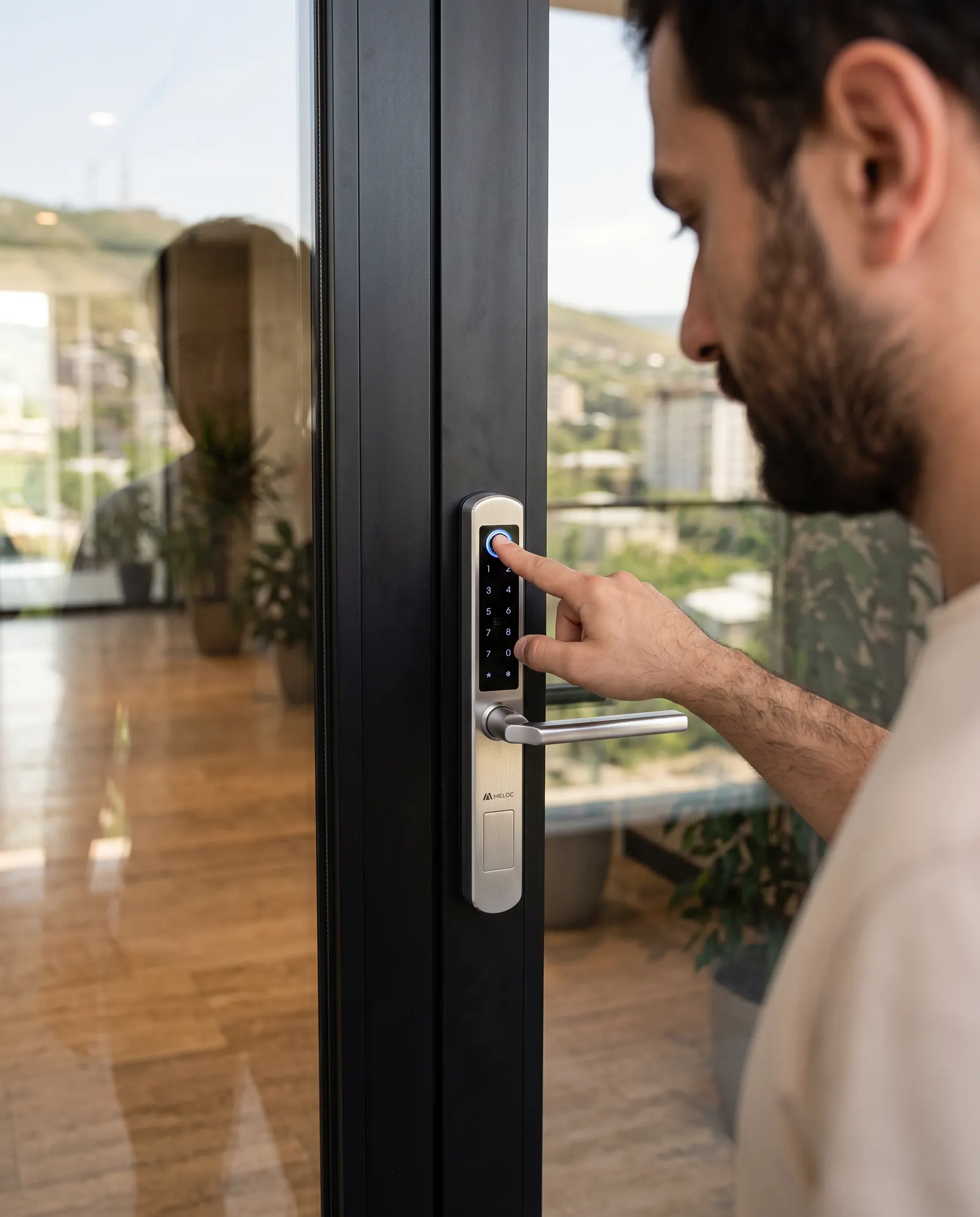
Prime, Pro and Lite suit standard front doors. Slim is made for aluminium and glass doors. Our team checks your door before installation.

 Smart locks